Fixing a Defect Logged on the Wrong Job
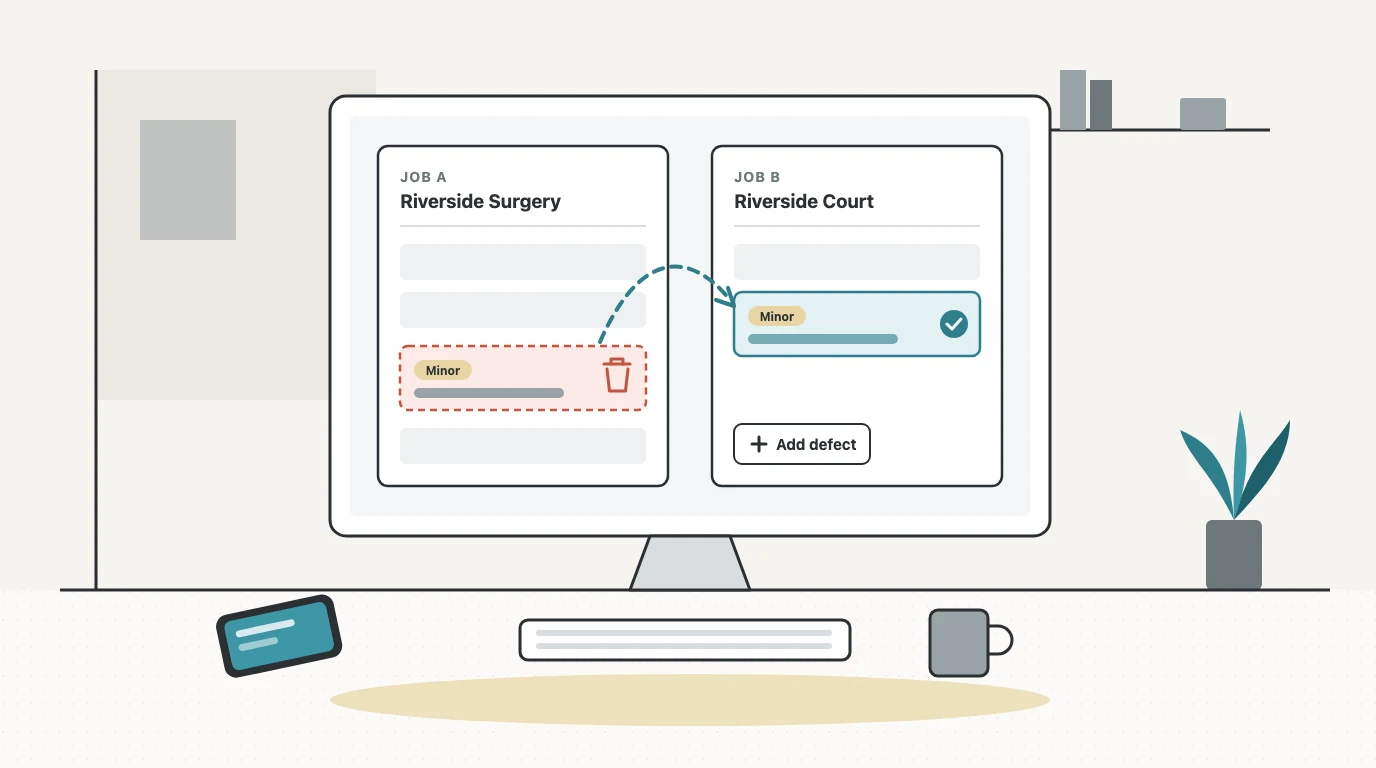
It happens on a busy day. An engineer finishes a service at one site, opens the next job on their phone, and logs a cracked call point, but the job they've got open is still the last one. Now there's a defect on a job sheet at a building where nothing is cracked, and the building that does have the fault has no record of it.
Until now, the engineer couldn't put that right themselves. It's a fair thing to want: a defect on the wrong job is a mistake anyone can make, and the person who made it should be able to fix it.
This update lets them, with a few guardrails we'll explain below.
What we built
Delete a defect raised by mistake
Any defect raised by mistake, whether on the wrong job or logged twice, can now be deleted.
- On the phone: open the defect on the Defects screen, choose Edit, and Delete defect is at the bottom of the form. It sits on its own, full width, below Save and Cancel, so a gloved thumb doesn't hit it by accident.
- In the office: on the job's Overview tab, the Defects card has a bin icon on each row, or choose Edit and then Delete defect. It's also in the Remedial Scope sheet editor (on a draft sheet) and in the Defects step of the Complete Job Card.
Every delete goes through the same confirm dialog, Delete this defect? It spells out what's about to happen: the defect will be removed from this job, its job sheets and the site's defect register. It shows the severity, description and location, so you can check it's the right one, and it says plainly that the defect itself can't be restored. Then you choose Keep it or Delete defect.
Photos you can get back
If the defect has photos, the dialog has a box, ticked by default, to also delete its photos (it tells you how many). Leave it ticked and the photos go to the job's Photos, under Recently deleted, where they can be restored for 30 days. Untick it and they stay on the job. If a photo is also attached to another defect, it's kept either way.
Add or edit a defect on any job, even a completed one
The other half of fixing a wrong-job defect is getting it onto the right job. The Add defect button on the job's Defects card now works on any job status, including a completed job. The card shows even when a job has no defects yet, for anyone who can edit jobs. Each row has Edit, which opens the same form the engineer uses in the field app.
So the fix for "logged on the wrong job" is: delete it from the wrong one, add it on the right one. There's no "move to another job" option. Delete and re-add keeps each job's record honest about what happened on it.
An empty scope sheet tidies itself up
A Major or Critical defect, or one marked Quote required, attaches a draft Remedial Scope of Works sheet to the job. If you delete the defect that sheet was created for, and it was the last in-scope defect on the job, and nobody has typed into the sheet, the now-empty sheet is removed too. It can be restored from Deleted sheets for 30 days. Sheets the office attached on purpose, and any sheet that has been filled in, completed or quoted, are never removed this way.
Remove from scope is not delete
On the Remedial Scope sheet, each defect has a Remove from scope option. That takes it off the scope list, and the defect stays on the job. It's grey, not red, because it isn't destructive. To erase a defect raised by mistake, edit it and choose Delete defect.
Why there are guardrails
A defect isn't a to-do item. For a fire safety or electrical contractor it's part of the record of what was found at a building, and people rely on that record: the customer, their insurer, the next engineer on site. So "delete" had to be for mistakes, not for rewriting history. Here's what that means in practice.
Once it's on a quote, it can't be deleted
A defect that's on a quote can't be deleted. In the office you'll see a greyed-out bin with a tooltip, and on the phone a muted line where Delete would be, saying something like: "This defect is on QT-2026-0097. Remove it from the quote first."
The reason is simple: if the customer has seen a quote for a fault, the fault can't quietly disappear from the job it was found on.
Resolved defects are history
A resolved defect doesn't offer Edit or Delete at all, only Re-open. As the app puts it: "Resolved defects are part of the site's history, so they can't be deleted. Re-open it first if it was raised by mistake." Re-opening is a deliberate step, not something you do by accident.
A few other cases are refused too, with the reason shown in the confirm dialog: a defect raised from an alarm-monitoring case, and a defect recorded on a completed Remedial Scope sheet (revert that sheet to draft first).
Engineers can't delete each other's defects
A defect can be deleted by the person who raised it, or by an office user with job delete rights (Super Admin, Admin or Site Manager). An engineer doesn't see a Delete option on a colleague's defect, and if they tried another way, the server would refuse. Your engineers can tidy up their own mistakes without being able to remove what someone else found.
It needs a connection
Engineers can log and edit defects without signal and let the changes sync later, but deleting a defect needs a connection. If you're offline, the dialog tells you and the button is disabled. If the phone still has a change to that defect waiting to sync, the dialog asks you to wait until it has synced. Once it has synced, you can delete it.
Every delete leaves a copy
Every deleted defect is recorded in the audit log with a full copy of the defect: what it said, its severity, where it was. The defect is gone from the job, but the record that it existed and was removed isn't.
What we didn't build
There's no undo after a delete. The confirm dialog is the safeguard, and it says so. There's no "move defect to another job", for the reasons above. And resolved or quoted defects stay put.
Try it
This is live now in the field app and the office. The full walkthrough, including every place Delete defect appears and what each refusal message means, is in the Defects to Quotation guide. For the bigger picture of how defects become remedial quotes, see Defects & Remedial Quotes.
Want to see how Opscel handles this?
Book a 15-minute demo and we'll walk through it live.
Explore Defects & Remedial QuotesKeep reading
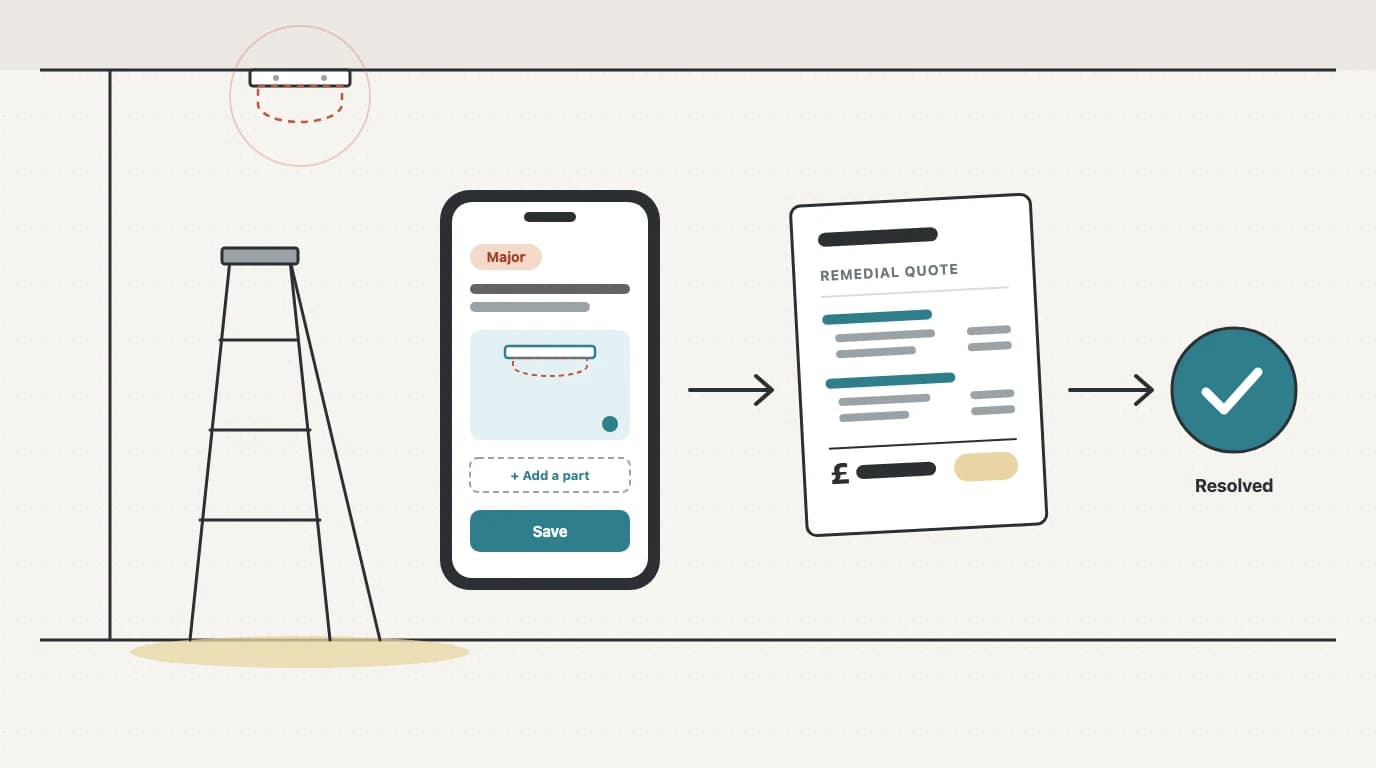
From Defect to Remedial Quote: A Workflow for Fire Alarm Contractors
Faults found on a service visit are remedial work waiting to be quoted. A practical workflow for fire alarm contractors: capture defects properly on site, triage by severity, bundle them into one quote, and track each one to resolution.

Introducing the Planner: See Your Whole Team's Week at a Glance
See your whole team's week on one board and book work by dragging it into place. Introducing the Planner — Opscel's new engineer × day scheduling view.
Fire Alarm Servicing Under BS 5839-1:2025: What Changed
How often a fire alarm should be serviced under BS 5839-1:2025, what every visit should now cover, and what the 2025 revision changed for service engineers.