From Defect to Remedial Quote: A Workflow for Fire Alarm Contractors
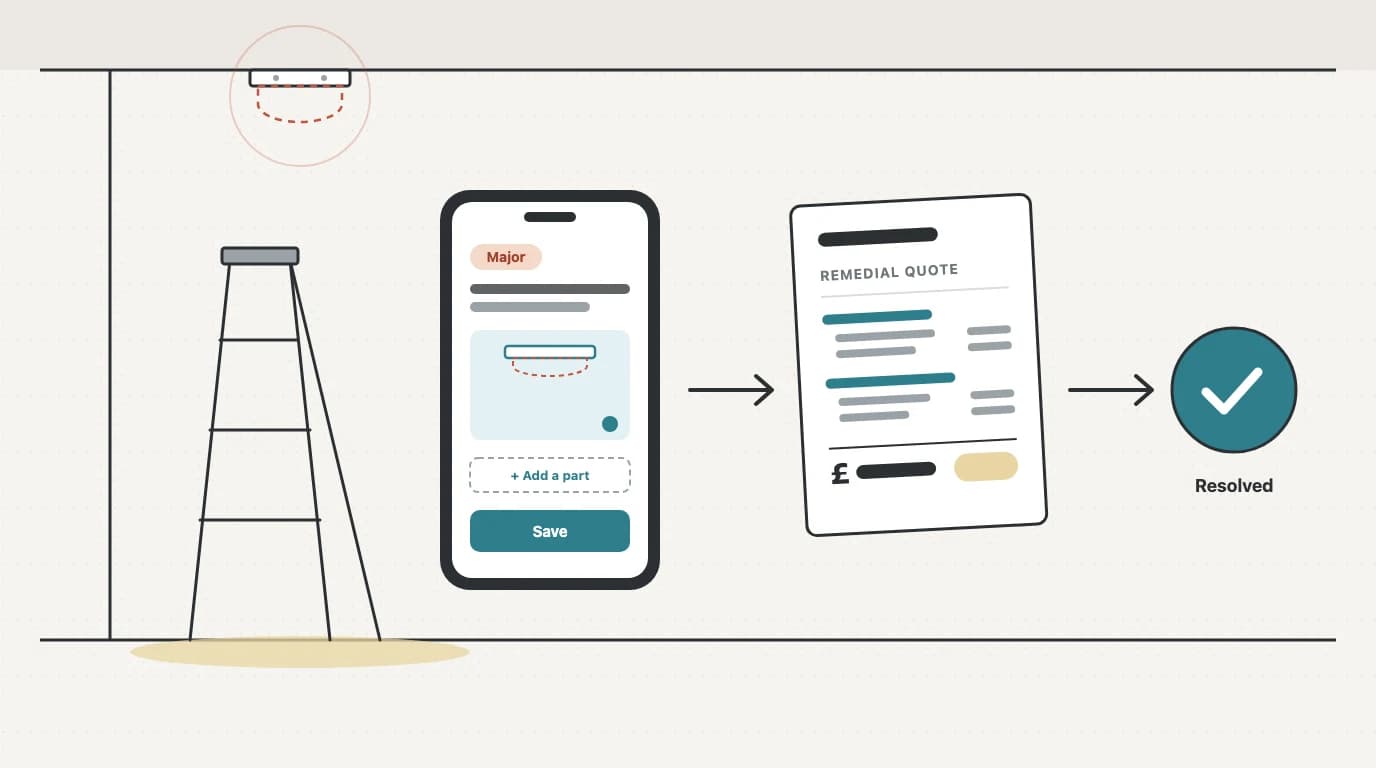
Every routine fire alarm service turns something up. A detector head missing from its base. A sounder that's been boxed in by shelving. A call point with cracked glass. A door holder that no longer releases. Your engineer notices it, writes it down, finishes the service and drives to the next job.
What happens next decides whether that fault becomes paid remedial work or just a line on a job sheet. This guide is about closing that gap: a simple workflow that gets a defect from the engineer's eyes to a quote on the customer's desk, and then to a fix.
Where remedial work goes missing
Think about the last month of service visits. How many faults did your engineers find? How many of those turned into a quote? And how many of those quotes went out while the customer still remembered the visit?
For most contractors, the honest answer to at least one of those is "not sure". Remedial work tends to leak away in the same few places:
- The finding stays on paper. It's in the job sheet, which goes into a folder or a PDF. Nobody in the office is looking at it with a view to quoting.
- Nobody owns the follow-up. The engineer thinks the office will quote it. The office thinks the engineer will mention it. Neither happens.
- The detail isn't there. "Detector faulty" isn't enough to price. The office has to ring the engineer, who has since been to four other sites.
- Each fault gets quoted separately, or not at all. Five small faults on one site become five small quotes, which is more admin for you and more decisions for the customer.
- Nobody checks at the next visit. Six or twelve months later, a different engineer turns up with no idea what was outstanding.
None of this is about effort. It's about the finding not being a record that anyone has to act on.
Step 1: Capture the defect properly on site
The single biggest improvement is capturing the defect as its own record, not as free text buried in a service sheet. A good defect record answers the questions the office will otherwise have to phone about:
- What is it? A plain description: "Smoke detector head missing, base only."
- Where is it? Building, floor, room, and zone or device where it helps: "Level 2, Room 12, Zone 3."
- How serious is it? A severity (see step 2).
- What does it look like? At least one photo.
- What will it take to fix? For anything that needs quoting: the parts, and a rough idea of hours and how many engineers.
Whatever standard you're working to, a fault found on a service needs to be written down and reported to whoever is responsible for the premises. A structured record does that job and gives you everything you need to quote.
Step 2: Triage by severity
Not every finding needs a quote tomorrow, and treating them all the same is how urgent faults get lost among cosmetic ones. A short, fixed severity scale with a timeframe attached to each level helps both your engineers and your customers. In Opscel the four levels are:
- Observation: advisory only
- Minor: fix at the next routine visit
- Major: fix within 28 days
- Critical: immediate action
Keep the scale small enough that engineers apply it the same way every time. If you find two engineers grading the same kind of fault differently, agree some examples as a team: is a missing detector head Major or Critical in a sleeping-risk building?
These severities are for defects on your jobs. They're a separate thing from the C1, C2, C3 and FI observation codes on an electrical installation condition report, which have their own definitions.
Step 3: Take the photo
A photo does three jobs. It tells the office exactly what the engineer saw. It helps the customer understand why the work is needed. And it's evidence of the condition when you found it. Make it a habit that every Major and Critical defect has at least one.
Step 4: Get the pricing detail while it's fresh
For anything you'll quote, the engineer on site is best placed to say what the fix involves: which parts, how long, and whether it's a one- or two-person job. Capturing that on the visit means the office can price without a phone call.
In Opscel, a Major or Critical defect, or any defect marked Quote required, attaches a draft Remedial Scope of Works sheet to the job. That's where the hours, engineers and parts for each defect in scope get written down.
Step 5: Bundle the defects into one quote
If a service found five faults, the customer should get one remedial quote, not five. It's quicker for you, easier for them to approve, and it keeps the whole visit's findings together.
Here's how that works in Opscel:
- On the job's Defects card, Create Bundled Quote lists the unresolved, unquoted defects for you to tick. Quote-required, Major and Critical ones are ticked for you; the rest are listed unticked.
- Confirm and Opscel creates one quote. Each defect gets a heading line, then priced part lines from your catalogue and a labour line worked out from the hours and engineers recorded against it, at your default labour rate.
- Check it, adjust anything you need to, and send it.
There's also a Jobs Pending Remedial Quotes widget on the dashboard. It lists jobs with defects still waiting to be quoted, and its Quote button creates the bundled quote for that job after you confirm. It's a useful place to start the day: anything on that list is remedial work you haven't asked the customer about yet.
Opscel never creates a quote on its own. Someone in the office decides when to quote and what goes in it.
Step 6: Track each defect to resolution
Quoting isn't the end. The defect needs to stay visible until it's fixed, and then stay on record as fixed.

In Opscel, a defect shows on the job, on the job sheet PDF and on the site's defect register. The quote badge on the job's Defects card shows which quote it's on and that quote's status. The accepted quote becomes the remedial job, and once the fault is fixed the engineer or the office marks the defect resolved. Resolved defects stay on the site's register as part of its history, so anyone looking at the site later can see what was found and what's still open.
Step 7: Fix mistakes without losing the record
On a busy day, a defect will occasionally land on the wrong job, or get logged twice. You need to be able to correct that, without making it possible to quietly remove a finding the customer has already been quoted for.
In Opscel, the person who raised a defect, or an office user with delete rights, can delete one raised by mistake after a confirm step, and can choose to delete its photos too (they can be restored for 30 days). A defect that's on a quote, has a remedial job raised, or has been resolved can't be deleted, and every delete is recorded in the audit log with a full copy of the defect. The office can then add it to the right job, even if that job is already completed. We wrote up the details in Fixing a defect logged on the wrong job.
A worked example
Say an engineer services the fire alarm at a care home and finds:
- A smoke detector head missing in a resident's room (Critical)
- A fire door closer that no longer self-closes the door (Major)
- A cracked call point glass in a corridor (Minor)
- Storage stacked in front of a sounder in the plant room (Observation)
The engineer logs all four on their phone with photos, and adds the parts for the detector and the door closer. The office opens the job, presses Create Bundled Quote, sees the Critical and Major defects already ticked, adds the call point, and creates one quote with a section for each. The observation stays on the site's register for the office, and on the job sheet PDF the customer receives, as advice. When the quote is accepted, the remedial work is booked in, and after the fix the three quoted defects are marked resolved on the register. At the next routine visit, the site's register shows what was found last time and what's still open.
A checklist for your team
- Every fault found on a service is logged as its own defect, not only in the service notes.
- Every defect has a location and a severity, and every Major or Critical one has a photo.
- Anything that needs quoting has parts, hours and engineers recorded on site.
- Someone in the office checks the list of unquoted defects every day.
- One visit's findings go out as one remedial quote.
- Defects stay open until they're fixed, and the next engineer on site can see them.
- A defect logged on the wrong job is deleted and re-added on the right one; a quoted or resolved defect is never deleted.
See how Opscel handles it
If you'd like to see this workflow with your own jobs, take a look at Defects & Remedial Quotes, or read the step-by-step Defects to Quotation guide.
Want to see how Opscel handles this?
Book a 15-minute demo and we'll walk through it live.
Explore Defects & Remedial QuotesKeep reading
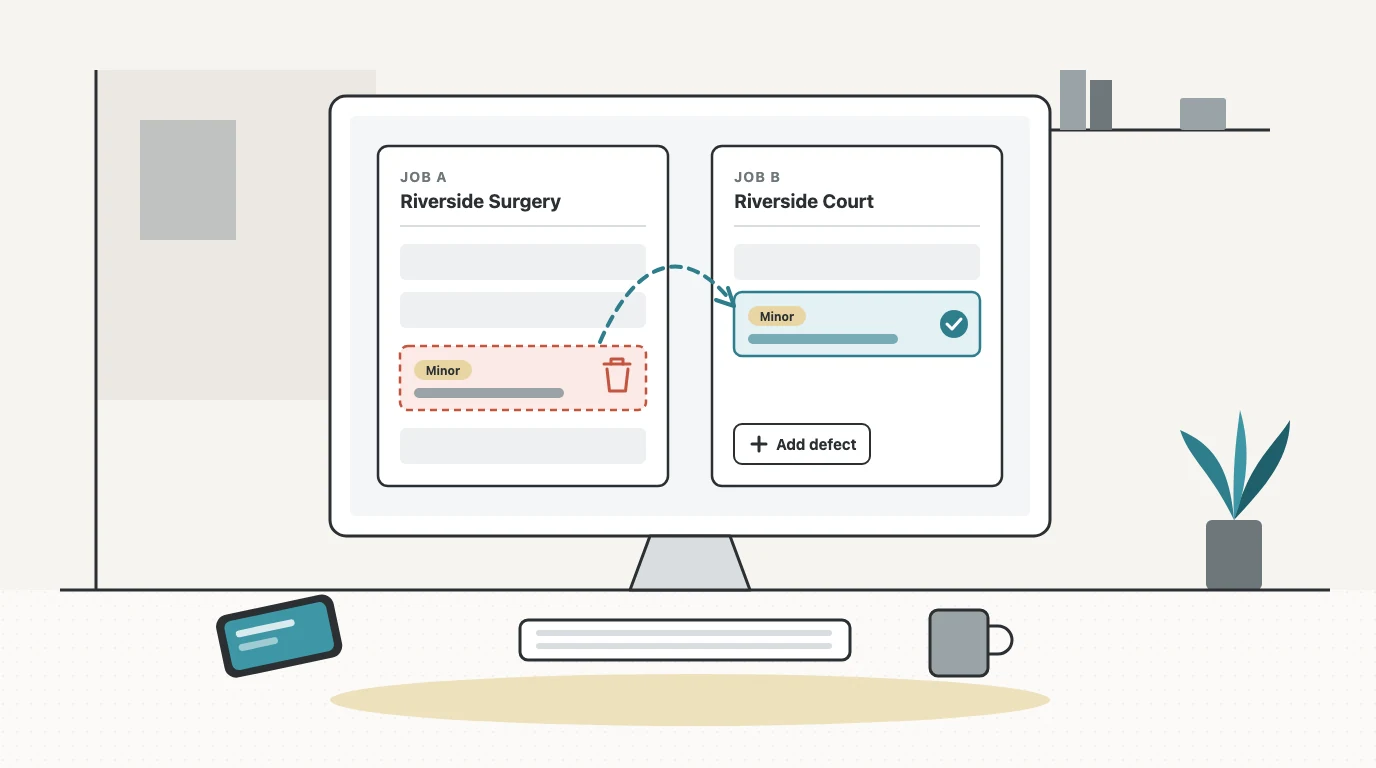
Fixing a Defect Logged on the Wrong Job
An engineer adds a defect to the wrong job sheet. Now the person who logged it, or the office, can fix it: delete it with a confirm step, add it to the right job, and keep the compliance record intact.
Fire Alarm Servicing Under BS 5839-1:2025: What Changed
How often a fire alarm should be serviced under BS 5839-1:2025, what every visit should now cover, and what the 2025 revision changed for service engineers.
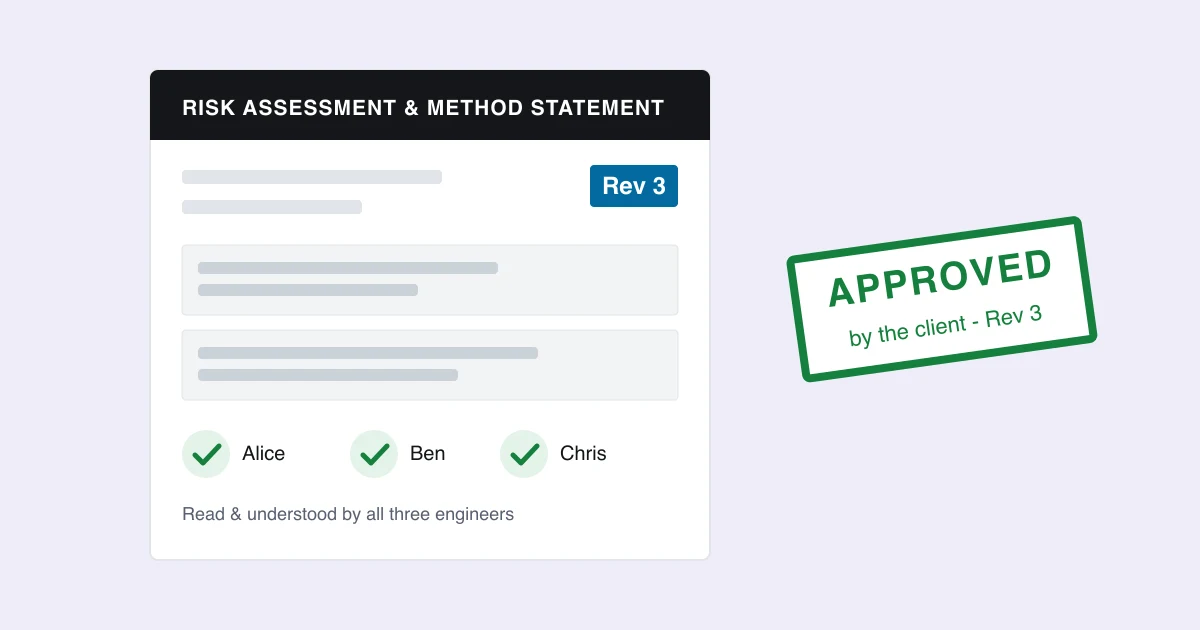
The RAMS Approval Process: A Guide for UK Contractors
The RAMS approval process for UK fire and electrical contractors: what the law asks, what clients ask, version control, engineer sign-off and approval.